
AI Plushie Generator
1. Pick a style
2. Upload a photo
3. What do you want?
How to turn a photo into a plushie
Pick a style, upload one photo, download your toy.
- 1
Pick a style
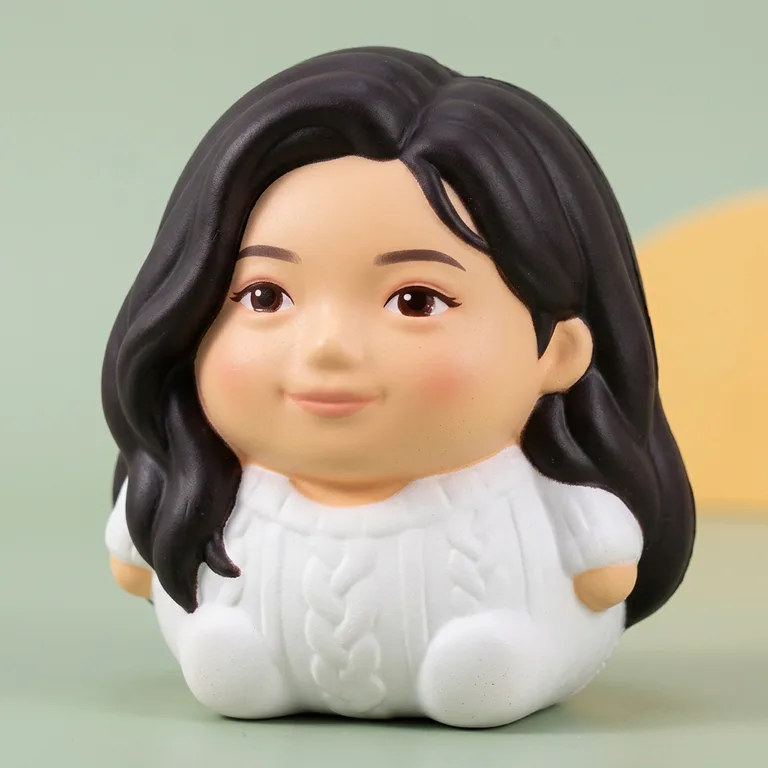
Plush monster for fuzzy fleece and fangs, or Squishy toy for soft slow-rise foam.
- 2
Upload a photo
A selfie, two people side by side, or a cat or dog. Faces facing the camera work best.

- 3
Download your plush
A 1024 × 1024 product shot in about 30 seconds. Want it to move? Make the squish video next.
Why this plush looks like you
Still recognizably you
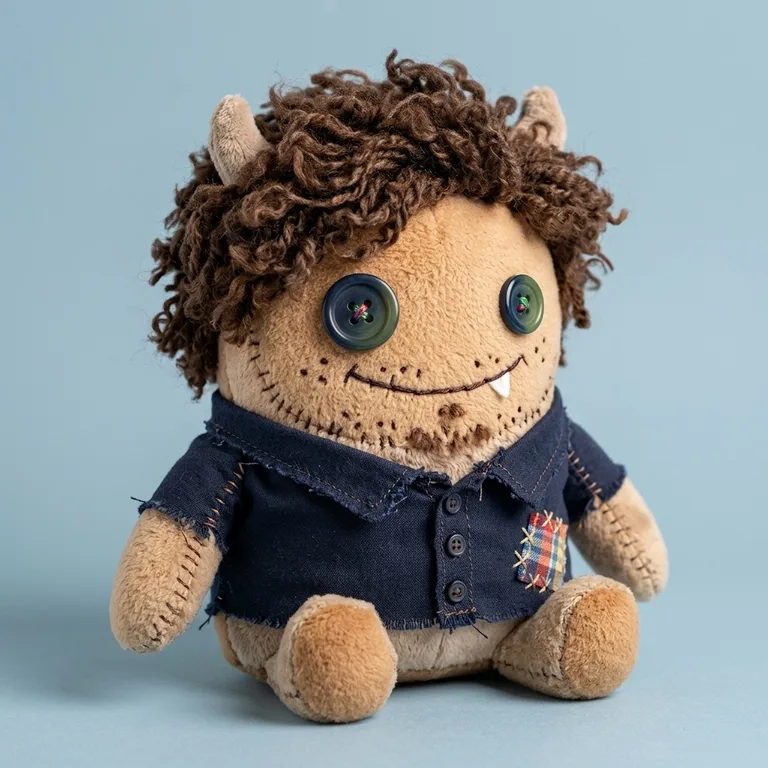
Hair color and cut, glasses, beard, freckles and outfit colors carry over to the toy.
Couples, groups and pets
Two people become two toys side by side. In our test, a photo of four friends came out as four plushies.
Fabric you can almost touch
Fuzzy fleece, minky fabric, visible stitches and a little patch, shot like a real product photo.
Make it squish
Turn your plush into a 5-second video of a hand pressing it flat and letting it slowly puff back.
Failed? Credits come back
If the AI can't finish, the 3 credits go straight back to your balance.
Deleted in 24 hours
Your photo and the result are removed automatically after a day.
AI plush toy examples
Real results from the generator, made from the sample photos on this page.
 Before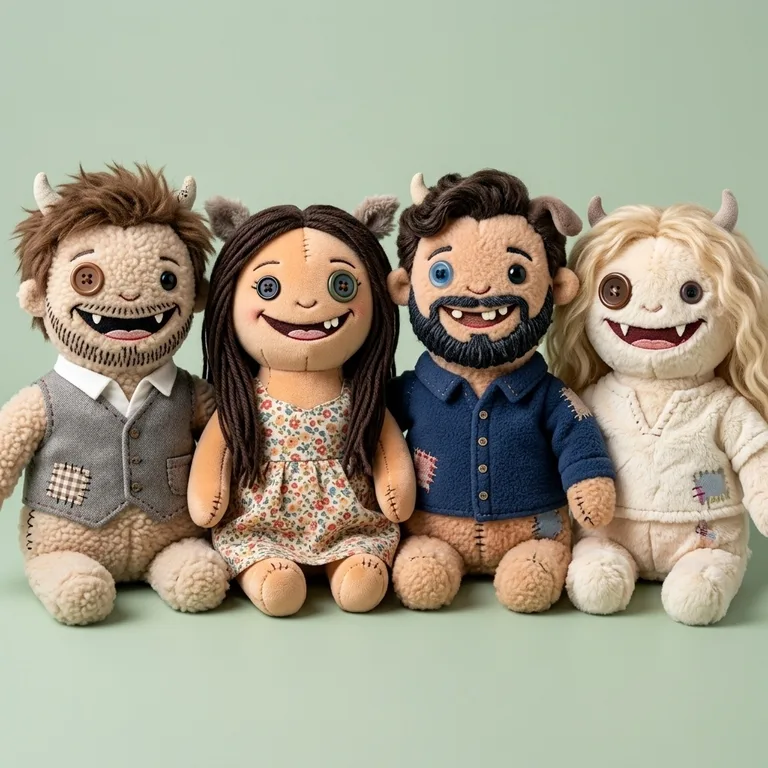
 Before
 Before
Plush monster or squishy toy: which style?
Both styles keep the same person; they change what the toy is made of.
Plush monster is the ugly-cute look: fuzzy fleece, mismatched button eyes, little felt fangs, tiny horns and a stitched patch. Squishy toy is a chubby slow-rise foam figure with glossy painted eyes, closer to the squeeze toys people film for ASMR.
| Plush monster | Squishy toy | |
|---|---|---|
| Material | Fleece and minky fabric | Soft PU foam |
| Eyes | Mismatched buttons | Glossy painted eyes |
| Best for | Funny gifts, couple photos | Cute avatars, squish videos |
| Cost | 3 credits | 3 credits |
How much does the AI plush toy generator cost?
Each plush picture costs 3 credits. The squish video made from it costs 20 more.
| What you make | Credits | With the $5.99 Starter pack (250 credits) |
|---|---|---|
| Plush picture | 3 | about 83 pictures, roughly 7 cents each |
| Plush picture + squish video | 23 | 10 sets |
Signing up is free and gives you 5 credits, enough for your first plush. Packs are one-time payments and credits never expire.
Photos that make the best plushies
Use a photo where faces are big, sharp and turned toward the camera. Hair, glasses and clothes come through best when they're clearly visible, so a waist-up shot beats a tiny face in a landscape.
For pets, a close-up of the head with the ears in frame keeps the coat markings and ear shape. For couples, stand side by side; two people are the sweet spot, though our four-person test worked too.
Is it a real plush toy?
No, it's a picture. The generator makes a photo of a plush that looks real enough to touch, plus an optional squish video. Nothing is sewn or shipped.
If you want a physical custom plushie, the picture works well as a reference to send to a maker.
AI plushie generator FAQ
Pick Plush monster or Squishy toy, upload a selfie and click Make My Plush. In about 30 seconds you get a photo of a plush toy version of you to download.
More tools
Meet your plush twin.
3 credits per plush. New accounts get 5 free credits, so your first one is on us.