
AI Image Combiner
Layout
Your combined image shows up here as you add photos.
Free, no sign-up. Images never leave your browser, so nothing is saved: download before you close the page.
How to combine two images into one
Add your pictures, choose a layout or describe a scene, download.
- 1
Add 2 or more images
Drop in JPG, PNG or WEBP files. Use the arrows to change their order.
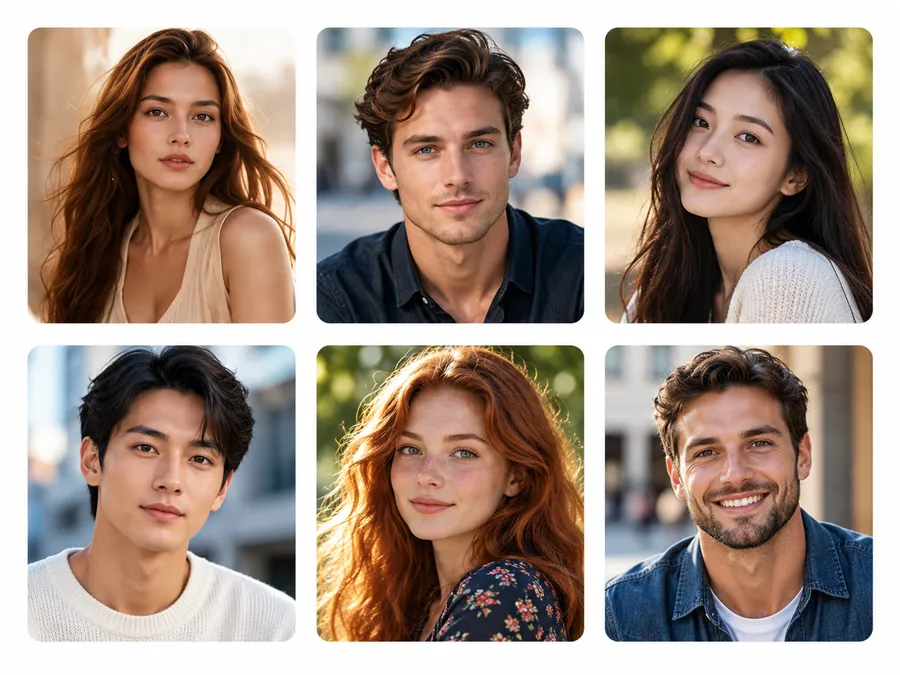
- 2
Pick a layout or a scene
Side by side, top to bottom or grid with your own spacing and border. Or switch to AI blend and describe where everyone should be.
- 3
Download one image
Save the combined picture as JPG or PNG. AI blends are also kept in My Creations for 24 hours.

What this image combiner can do
Side by side, stacked or grid
Join pictures horizontally, vertically, or in a 2, 3 or 4-column grid. Sizes are matched so nothing looks squeezed.
Free and private
The free combiner runs in your browser. Your images are never uploaded, and there's no sign-up or watermark.
AI blend into one scene
Not a collage: the AI places people, pets or products from 2–3 photos into a single shot with matching light.
Spacing, border and corners
Add a gap between pictures, an outer border, rounded corners and any background color, or keep it transparent.
JPG or PNG up to 6000px
Choose the output height or width; transparent backgrounds export as PNG.
Failed blend? Credits back
If an AI blend can't finish, the 3 credits go straight back to your balance.
How do you put two pictures side by side?
Add both pictures above, keep the layout on Side by side and click Download Combined Image. That's it: the tool scales them to the same height so the edges line up, and saves one JPG.
To stack them instead, pick Top to bottom; both pictures are matched to the same width. For before-and-after shots, set Spacing to 10–20px and a white background so the two halves read as separate photos.
Side by side vs AI blend: which one do you need?
Side by side keeps every picture exactly as it is and places them next to each other. AI blend makes a new photo in which the subjects appear together.
| Side by side (free) | AI blend | |
|---|---|---|
| Result | Pictures joined in a row, column or grid | One new photo with everyone in the same scene |
| Images | 2–10 | 2–3 |
| Changes the pictures? | No, pixels are untouched | Yes, the AI redraws pose, light and background |
| Uploads | None, runs in your browser | Uploaded, deleted after 24 hours |
| Cost | Free, no account | 3 credits, free account needed |
| Typical use | Comparisons, collages, memes, listings | A photo with someone far away, a pet with you, a product in a setting |
How do I merge two photos into one with AI?
Switch to AI blend, add the two photos and write one sentence about the scene, for example "the two of us hiking on a mountain at sunset". Leave it empty and the AI simply puts the main subjects together in a natural setting.
Faces turned toward the camera and well lit give the closest likeness. The model behind it is Google's Nano Banana 2.1 image editor, which we tell to keep each person's face, hair and skin tone and to avoid collage layouts.
How do I combine multiple images into one grid?
Add up to 10 images and pick Grid. Choose 2, 3 or 4 columns; every cell takes the shape of the first image, so put a photo with the shape you want first.
Fill (crop) makes the grid edge to edge with no empty space. Fit (whole image) shows each picture completely and lets the background color show around it.
How much does it cost?
Combining images side by side, stacked or in a grid is free with no limit. Only AI blend uses credits.
| What you make | Credits | With the $5.99 Starter pack (250 credits) |
|---|---|---|
| Side by side, stacked or grid | Free | Unlimited, no account |
| AI blend (2–3 photos into one scene) | 3 | about 83 blends, roughly 7 cents each |
A free account gets 1 credit every day you visit; three visits cover an AI blend. Packs are one-time payments and credits never expire.
Image combiner FAQ
Add both pictures to the Side by side tab and click Download Combined Image. It's free, needs no account, adds no watermark and never uploads your files.
More tools
Two pictures in, one picture out.
Side by side, stacked and grid are free. AI blend is 3 credits; signed-in users get 1 free credit every day.