
Face Cut Out Tool
Shape
Upload a photo: every face in it (up to 6) is cut out here as a transparent PNG.
Free, no sign-up. The photo never leaves your browser and nothing is saved, so download before you close the page.
Want this face on someone else's body? Try face swap
How to cut out a face from a picture
Upload, pick a shape, download the PNG.
- 1
Upload a photo
A selfie, portrait or group photo. Faces turned toward the camera cut out cleanest.

- 2
Pick a shape
Face, Head + hair, Circle or Square. Adjust the soft edge, forehead, margin and a white sticker outline.

- 3
Download or copy
Save each face as a transparent PNG, grab all of them as a ZIP, or copy one straight into a chat or editor.

Why use this face cutter
Follows the real face outline
It traces the jaw, cheeks and forehead from 478 face landmarks, so you don't get a rough box or a blob.
Every face in a group photo
Up to six faces are cut out at once, each as its own PNG, ordered left to right.
Keep the hair if you want
Head + hair uses a hair-and-skin segmentation model to keep the hairstyle, glasses and hats.
Nothing is uploaded
Detection and cutting happen on your device. No account, no watermark, no limit.
Sticker-ready
Add a white outline for a sticker look, soften the edge, or put the face on a white background.
Copy and paste anywhere
Copy a cut-out face to the clipboard and paste it into Discord, Slides, Canva or a meme template.
Face cut out examples
Real output of this tool from the sample photos on this site, transparent background.
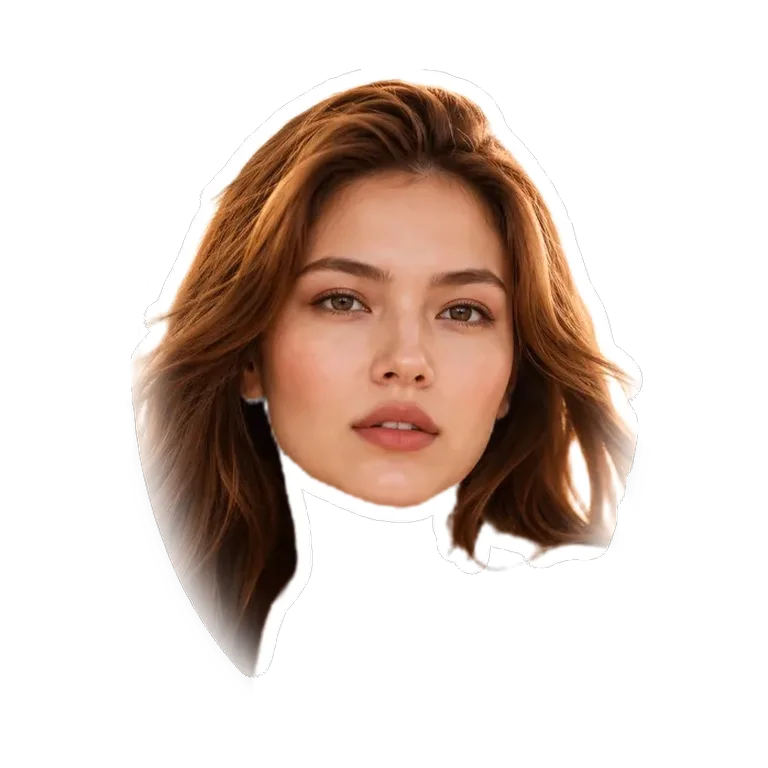
 Before
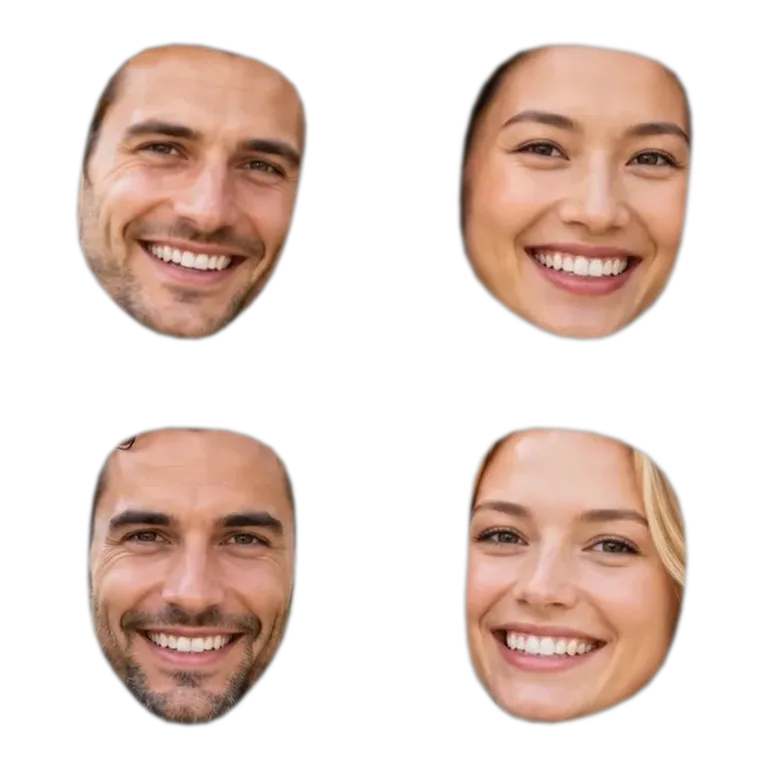 Before
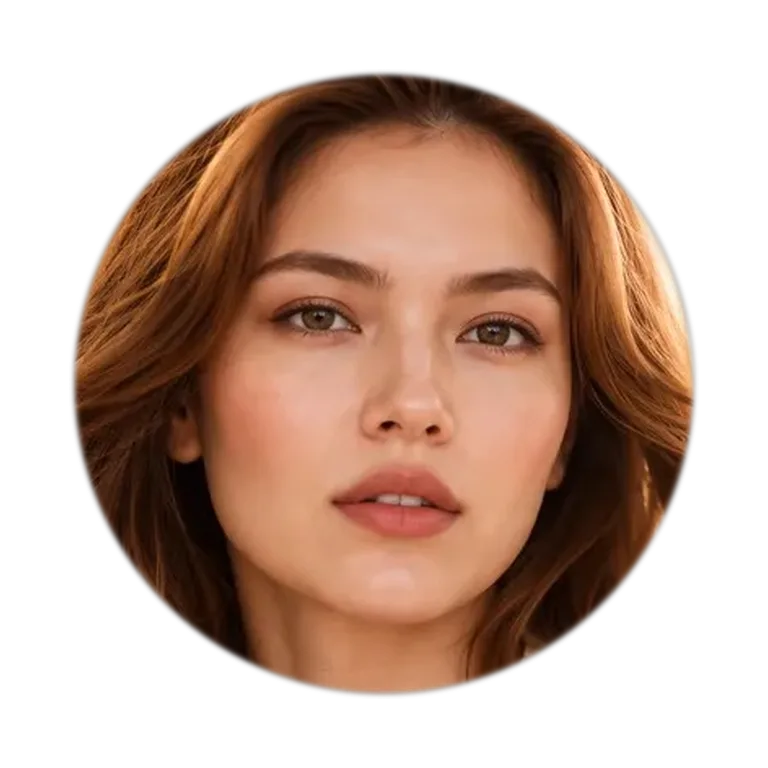 Before
How do I cut out a face and put it on another picture?
Cut the face out here, download the PNG (or tap Copy), then drop it onto the other picture in any editor that supports layers: Canva, Photoshop, Photopea, Google Slides, even a Discord message. The transparent background means only the face shows.
If you want the face to actually blend into the other photo, with matching skin tone, light and angle, that's a face swap rather than a paste. Our [photo face swap](/) does that in about 30 seconds, and the first one is free.
Face, head + hair, circle or square: which shape?
Pick the shape by what you're making.
| Shape | What you get | Good for |
|---|---|---|
| Face | Just the face along the jaw and hairline, forehead adjustable | Meme faces, funny edits, pasting onto bodies |
| Head + hair | Face plus hairstyle, glasses and hat, neck left out | Stickers, birthday banners, big-head cutouts |
| Circle | A round crop centered on the face | Profile pictures, avatars, badges |
| Square | A square crop centered on the face | ID-style thumbnails, contact photos, grids |
Every shape works on every face the tool finds, and you can switch shapes without uploading again.
How do I make a big head cutout (a face on a stick)?
Make the file here, then print it. Pick Head + hair, set Sticker outline to 15–25px so the head has a clean white border, and download the PNG.
Print it at poster size (an A3 or 11×17 sheet fits one big head), glue it onto foam board or thick card, cut along the white border and tape a paint stick or dowel to the back. Start from the largest, sharpest photo you have: the face should be at least 500 pixels wide in the original, or it will look soft once it's blown up to 40 cm.
Rather order a finished one? Print shops that sell big head cutouts and fat heads ask for exactly this kind of cut-out PNG, so the file still saves you their background-removal fee.
Can you cut out a face on iPhone or Android?
Yes. Open this page in Safari or Chrome, tap the upload box and choose a photo. The PNG goes to your downloads; on iPhone, open it from Files and tap Save Image to put it in Photos.
iPhones also have a built-in "Lift subject" that cuts out the whole person. This tool is for when you only want the face or head, or need several faces from one group photo at once.
Why didn't it find a face?
The face model needs a reasonably large, visible face. Very small faces in wide shots, faces in full profile, and heavy masks or hands over the face can be missed.
Crop the photo closer to the person and try again. Drawings and cartoon faces usually aren't detected, since the model is trained on real photos.
Face cut out FAQ
Upload the picture on this page. The face is cut out automatically and you click Download PNG. There's no sign-up, watermark or limit.
More tools
Cut out the face. Keep the fun.
Runs in your browser. Your photo is never uploaded.